
The problem
A choir's money arrives in small amounts from many people: regular dues, pledges, one-off gifts, and outside income such as a concert or an offering. It leaves again as expenses. Keeping track means knowing who gave what, what each member still owes, and what was spent on what.
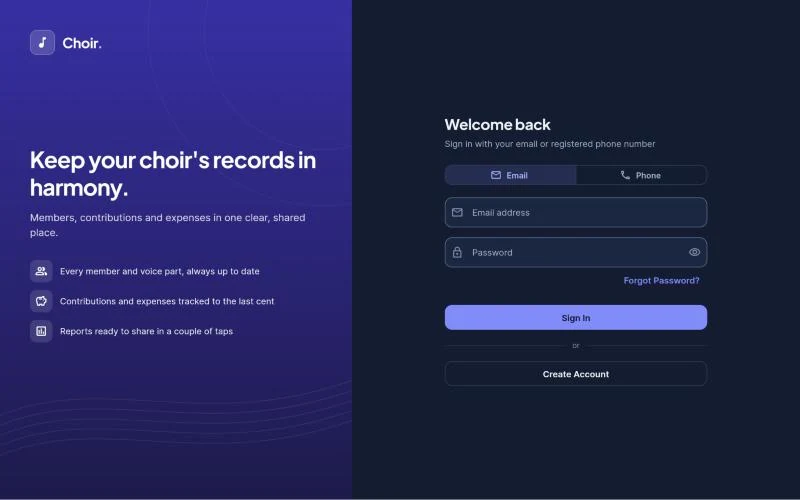
Choir Management keeps that record in one place. Its sign-in screen says it plainly: "Keep your choir's records in harmony." It had to meet three requirements. Each member should see where they stand, while only the people who run the choir change the records. Money in different currencies must never be added together. And every change has to be traceable to the person who made it.
The approach
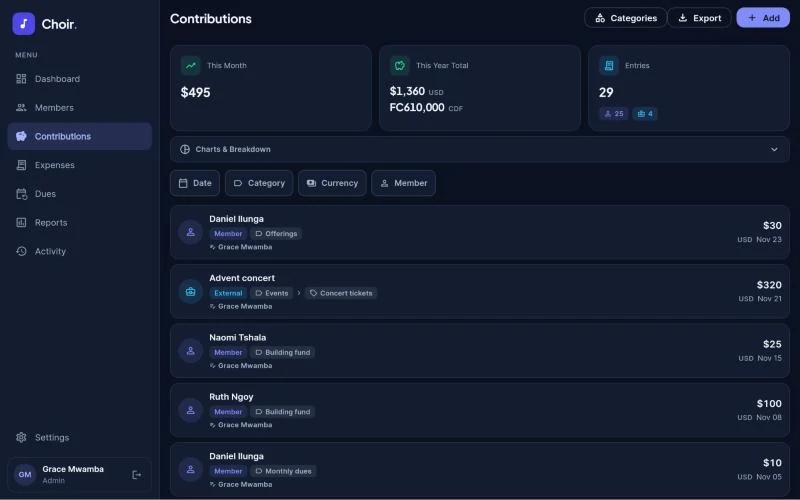
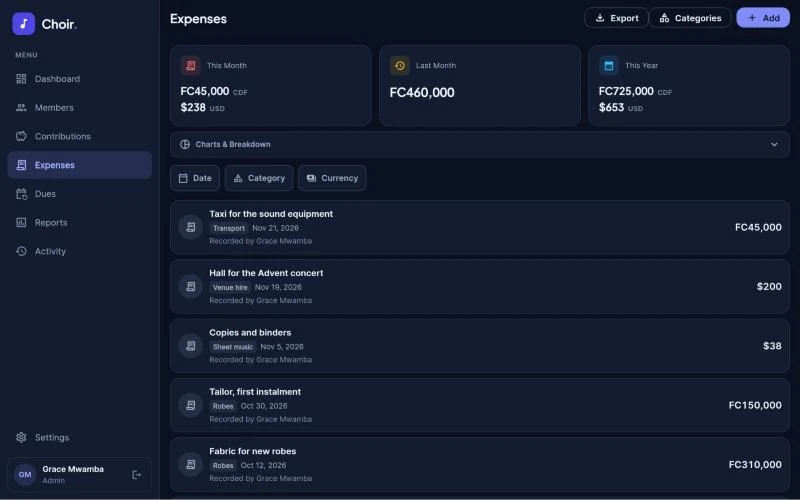
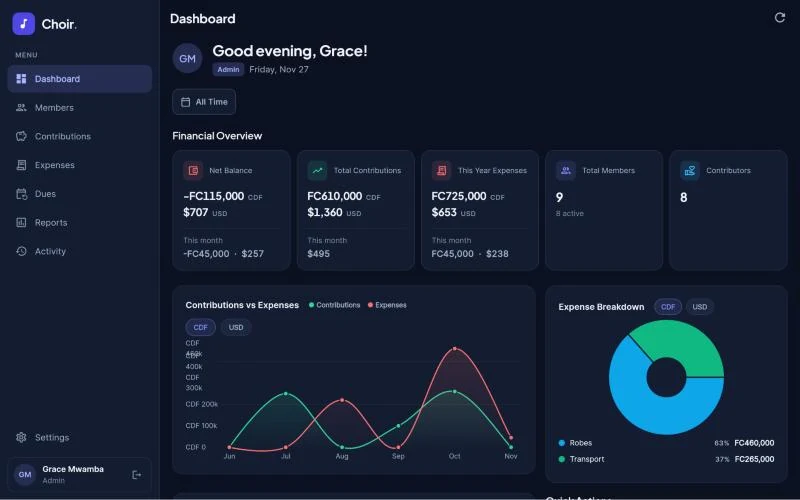
Money in and money out, side by side. A contribution comes from a member or from an outside source such as a concert or an offering. An expense records what the choir spent, with a title, a category, a date and an amount. Contributions are organised with categories and sub-categories that the choir defines. Both lists can be filtered by date, category and currency, show charts and a breakdown, and export to CSV.
Currencies never mix. The app works in US dollars, euros and Congolese francs. Every total is kept per currency, and amounts in different currencies are never added together.
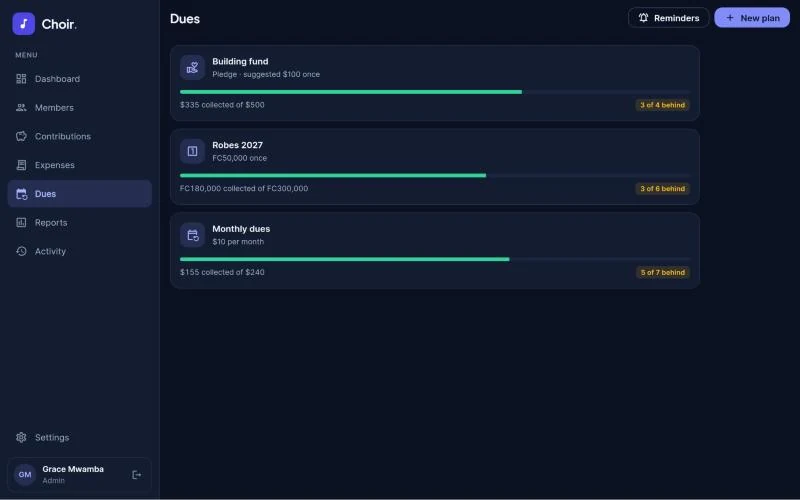
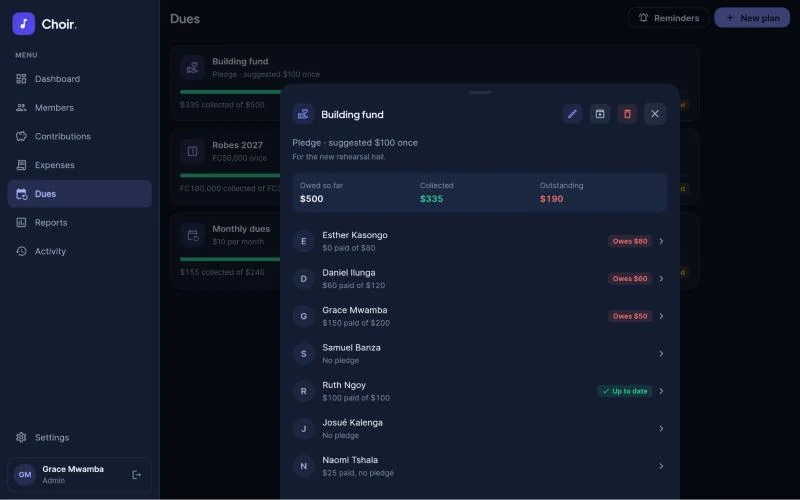
Dues with a running balance. A dues plan sets an amount, a currency and how often it is charged: once, or every month, quarter or year. Each member owes from the period they joined in. Unpaid amounts carry forward as a running balance, and an overpayment shows as credit. One member can be given a different amount, or be exempt.
Pledges are promises, not debts. A plan can be a pledge campaign instead. Nobody owes anything until their pledge is recorded, and a gift from someone who did not pledge still counts as collected.
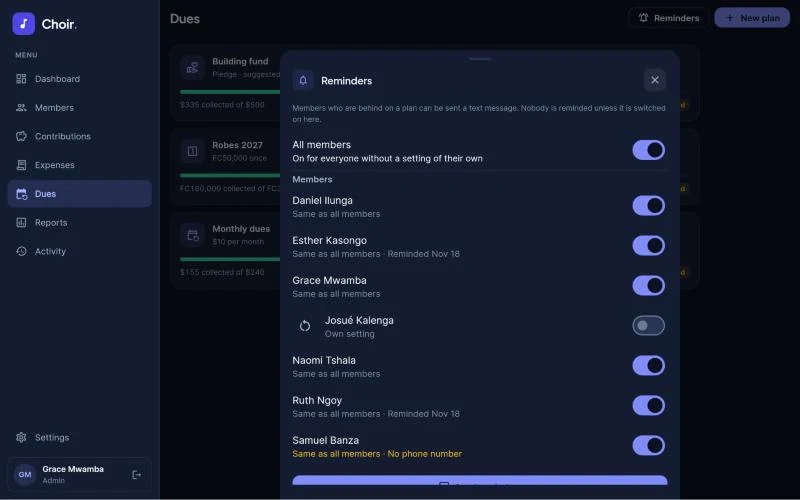
Reminders that show their work. Members who are behind on a plan can be sent a text message, in English or French. Reminders are off until an admin switches them on. There is one switch for all members and one for each member, and the member's own switch wins. Before anything is sent, a preview lists who will get a message and its exact text, and who will not and why. A member is not reminded again within seven days.
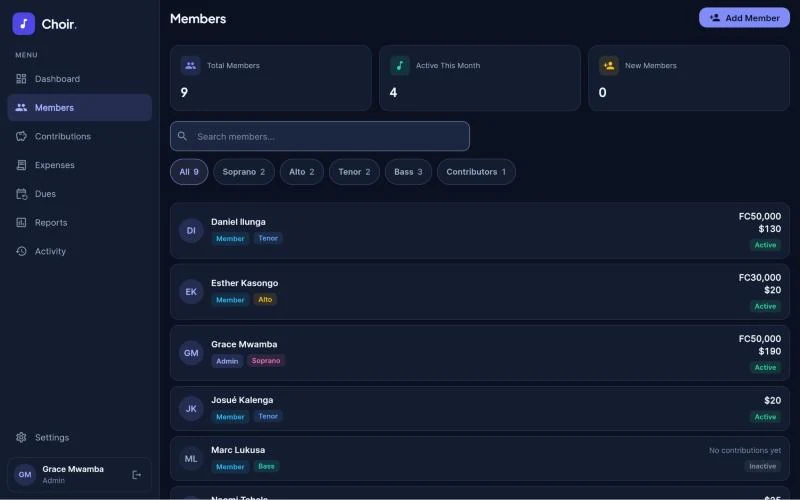
Three roles. An admin manages members, records and edits contributions and expenses, sets up dues and pledges, and controls reminders. A member sees the choir's records and their own position on each dues plan. A contributor gives to the choir without being a singer, and owes no dues.
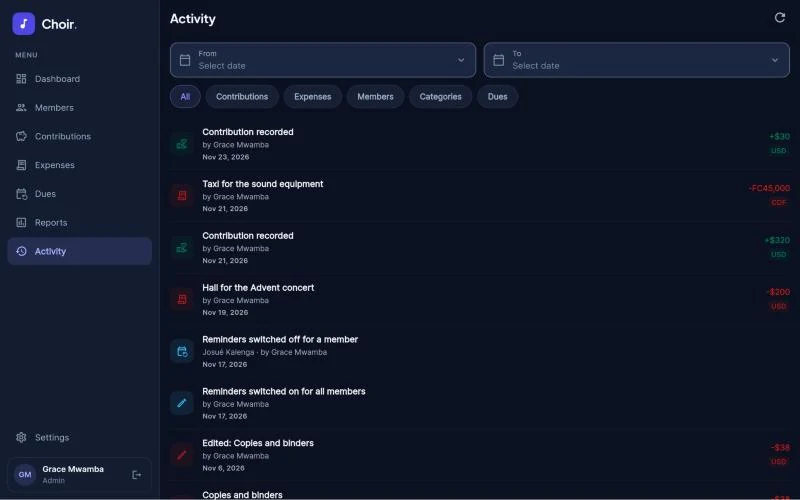
Nothing changes without a trace. The activity log lists every addition, edit and removal, with who made the change, when, and the values before and after. A deleted entry leaves the totals but stays in the history. A member who is removed or deactivated loses access at once, and their history is kept.
Reports for any period. A financial overview, a breakdown by category and a report per member can be produced for any date range, then saved or printed as a PDF.
Two ways to sign in. Email and password, or a phone number with a one-time code sent by text message.
Phone to desktop. Phones get drawer navigation, and from 720 px wide the app shows a sidebar. It is in English and French, with light and dark themes.
The architecture
The app is organised by feature: auth, dashboard, members, contributions, expenses, dues, reports, activity and profile. The theme, the router, shared widgets and services sit in a common core. The backend is Supabase: Postgres, Auth and Edge Functions.
- State and navigation: Riverpod 3 with generated providers, and go_router.
- Models and translations: freezed and json_serializable for the data models, and easy_localization with generated keys for the text.
- Charts and PDF: fl_chart for the charts, and the pdf and printing packages for the reports.
- The rules live in the database. Row-level security decides who can read and write each table, so the rules hold whatever the app does. Only an admin can change a role, and only active accounts reach any table.
- The audit trail is written by triggers. Database triggers record each change with the person who made it and the row before and after. The app does not write the log, so it cannot skip it.
- Server functions check the caller. Creating or removing a member and sending reminders require an active admin. The function that sends sign-in codes checks a signature before it sends anything. Text messages go out through D7 Networks, and the app itself holds no secret key.
- Totals that stay right. Supabase returns at most 1,000 rows per request unless it is configured otherwise, so every list that is added up is read page by page to the end. The dashboard totals are computed in SQL when the database supports it, with the app's own sums as a fallback.
- Money in whole cents. Amounts are compared and added in whole cents.
- Dues rules in plain Dart. What each member owes is worked out by code that touches neither Flutter nor Supabase, so the rules are unit tested. The reminder function works out the same amounts on the server, and a shared test fixture keeps the two in agreement.
- Connection: a banner shows when the connection is lost, and entries cannot be made offline.
- Tests: 155 unit and widget tests. The SQL and the server functions are tested locally against an in-process Postgres.
The results
Version 1.0.0 runs on iOS, Android, macOS, Windows, Linux and the web from one codebase, in English and French, with light and dark themes.