The problem
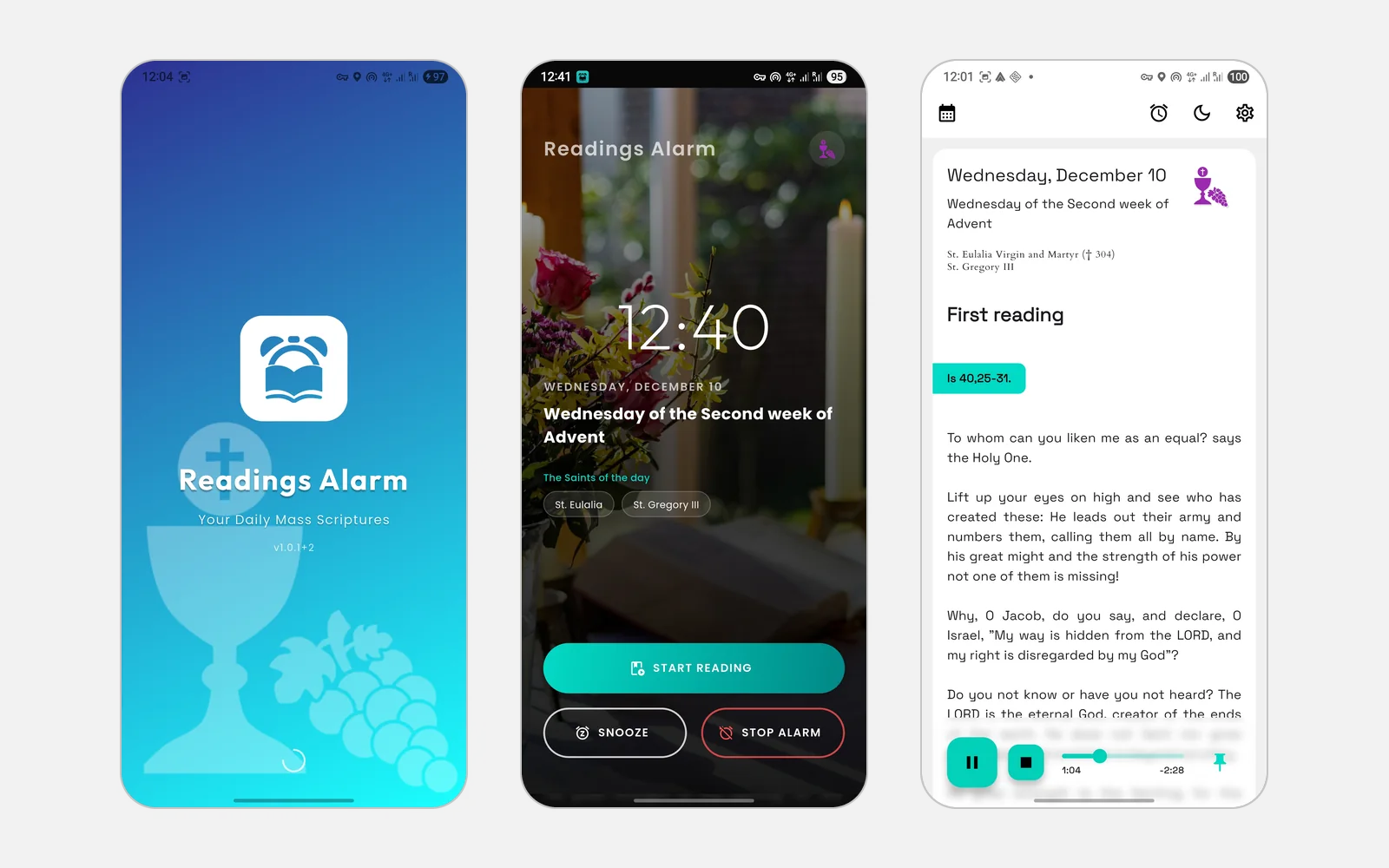
The Catholic Church sets Mass readings for every day of the year. Readings Alarm is for listening to them instead of reading them on a screen. Its opening screen calls them "Your Daily Mass Scriptures".
The app joins two things that usually live apart: the readings of the day and an alarm clock. When the alarm rings, one tap stops it and starts the day's readings, read aloud. That asks three things of the app. The alarm has to ring on time, on the chosen days. The audio has to keep playing with the screen locked. And the readings have to come in the listener's language, in a voice they chose.
The approach
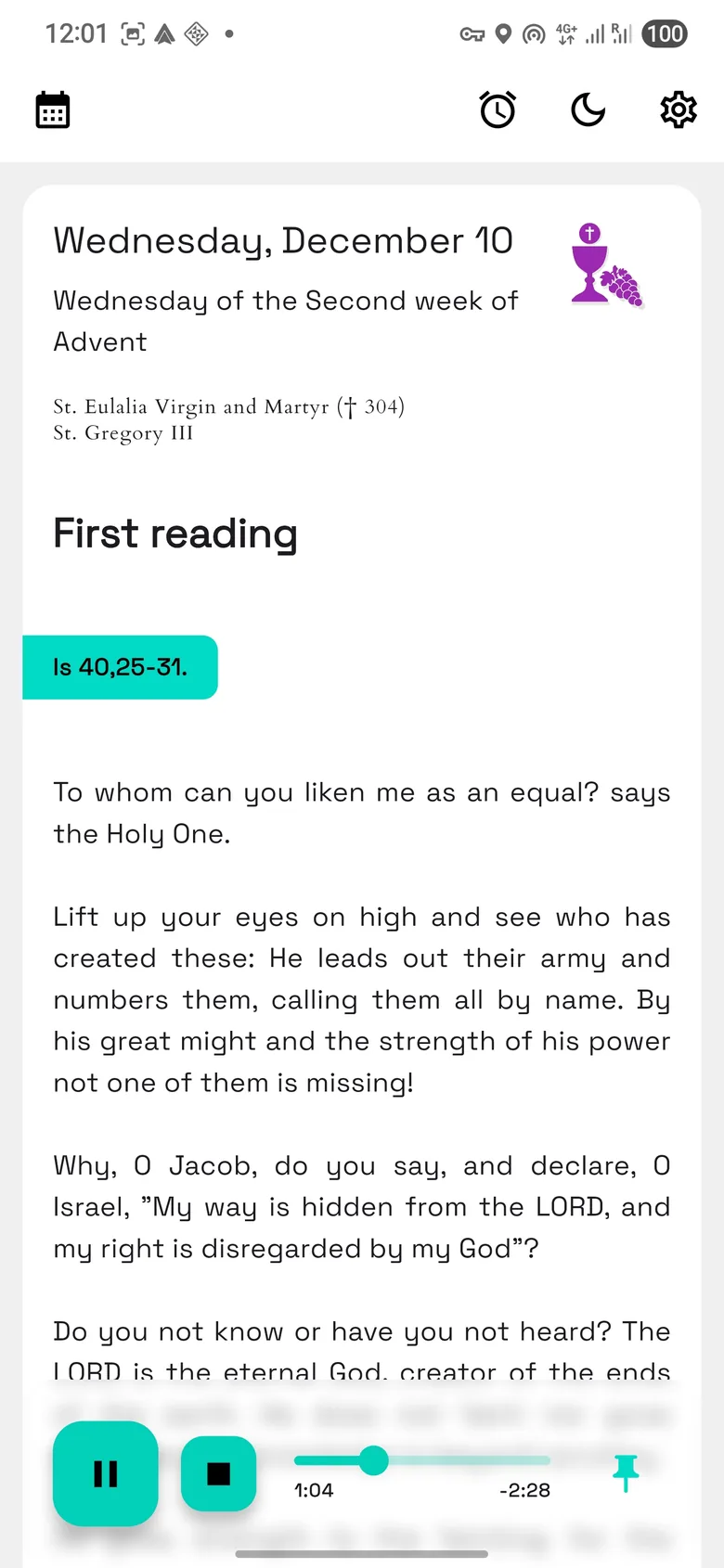
The readings of the day, or of any day. The app fetches the readings for a date and a language: the title of the day in the Church calendar, the saints of the day, the readings, the psalm and the Gospel, and a commentary when there is one. A calendar opens any other date.
Read aloud by a chosen voice. The text is turned into audio with Azure Text-to-Speech (TTS). The listener picks a voice for their language, or leaves the choice on random. The audio arrives as a stream, so the screen shows progress while the speech is being prepared.
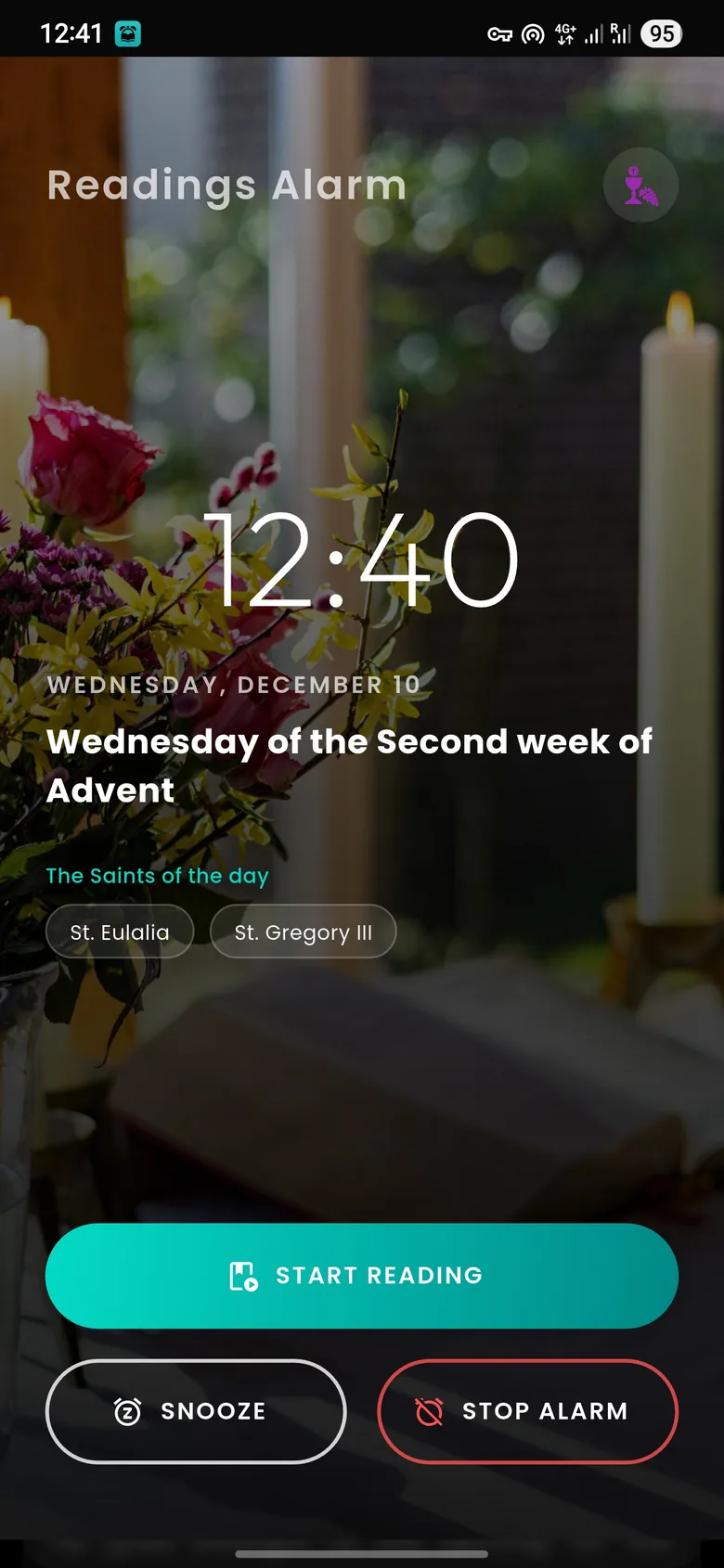
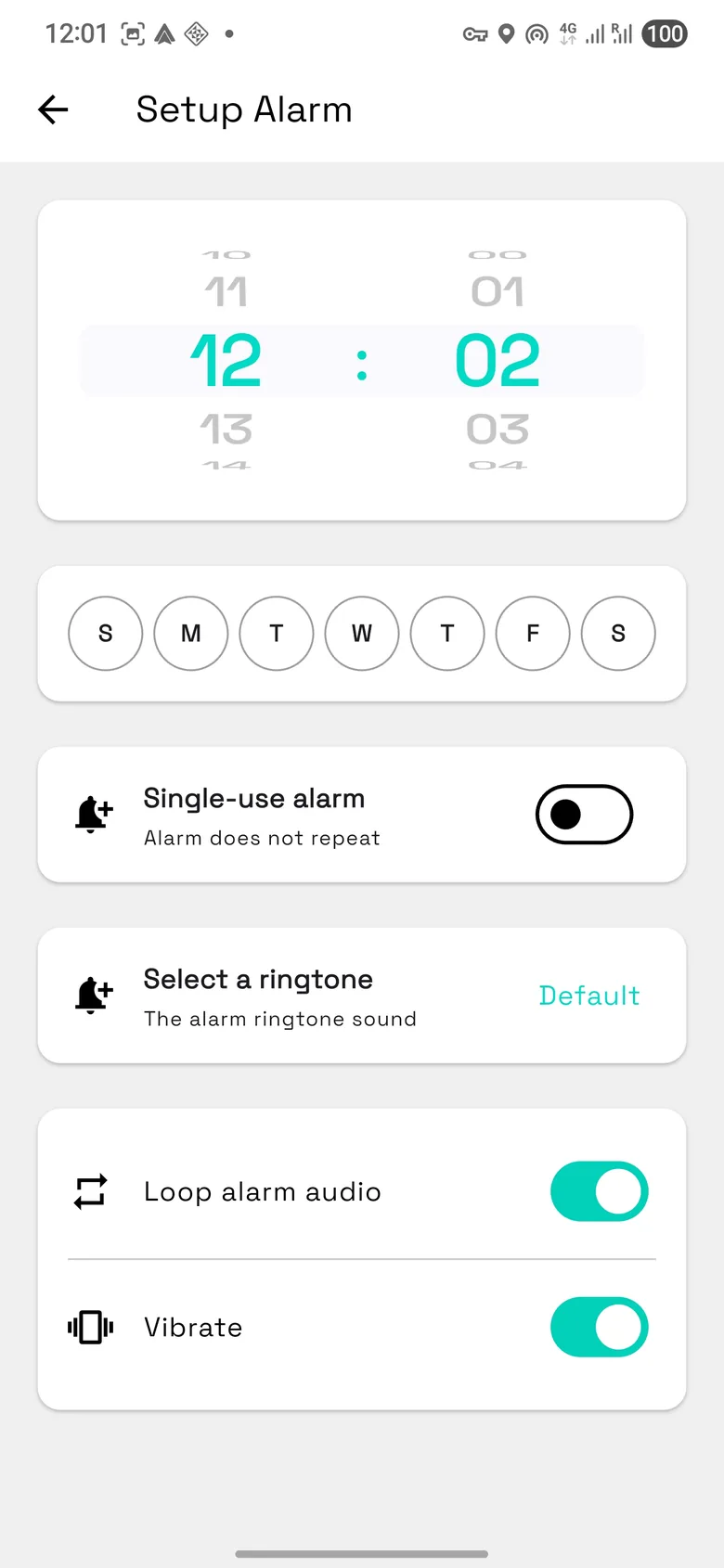
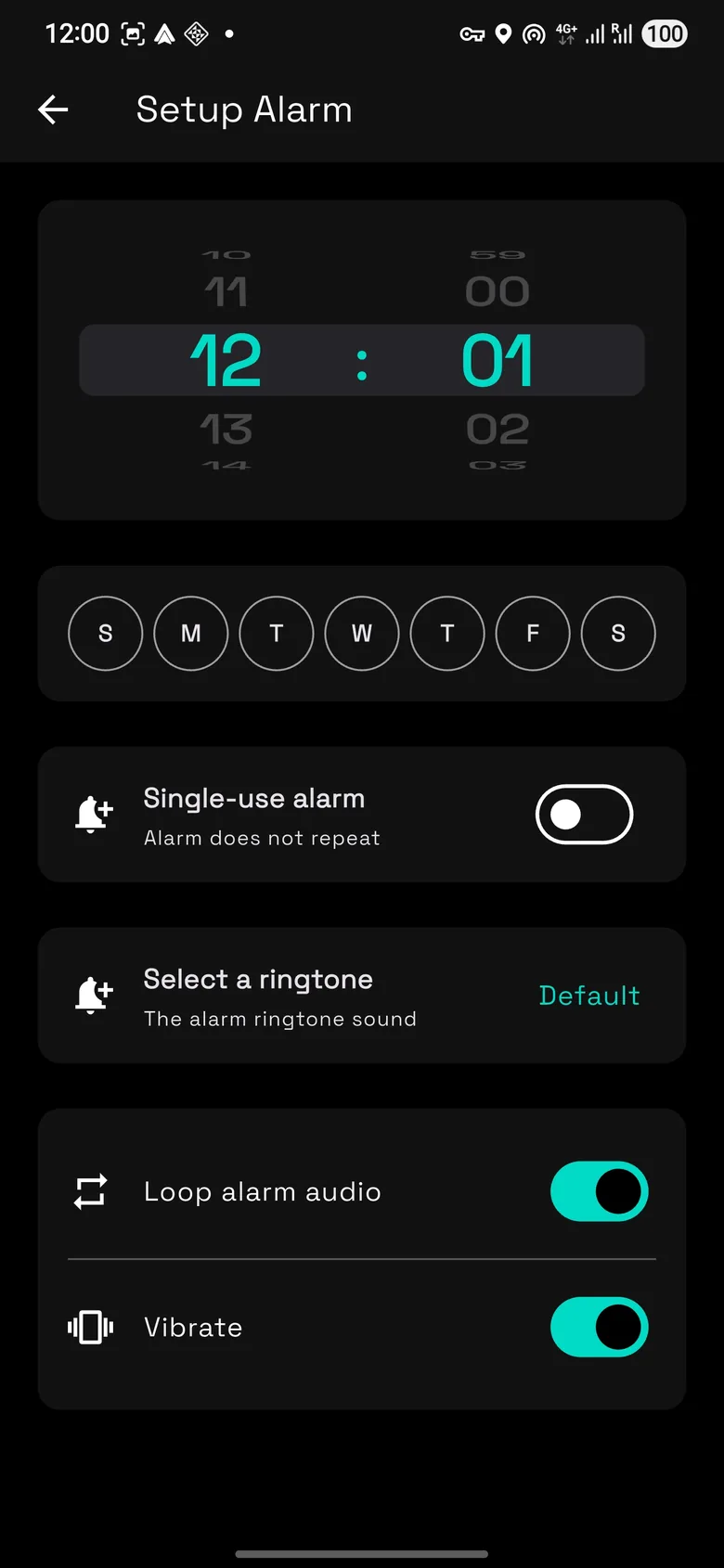
An alarm that leads to the readings. An alarm is set for a time and for chosen days of the week, or to ring once. When it rings, the screen shows the time, the day in the Church calendar and the saints of the day, with three buttons: start reading, snooze for five minutes, or stop. "Start reading" stops the alarm and plays the readings of the day.
A ringtone of your own. The alarm sound can be one of twelve ringtones that come with the app, one of the phone's own ringtones, or an audio file imported from the device. It can loop and it can vibrate.
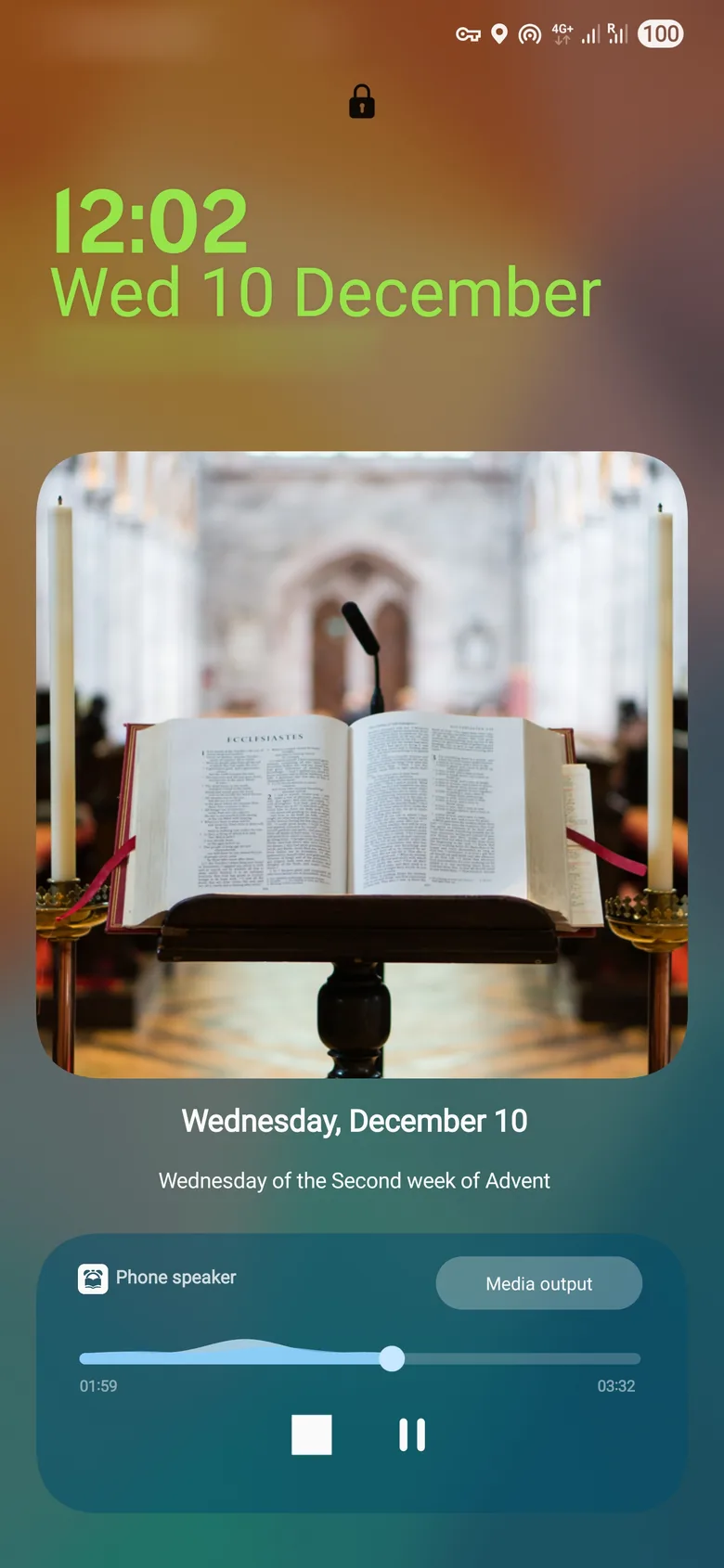
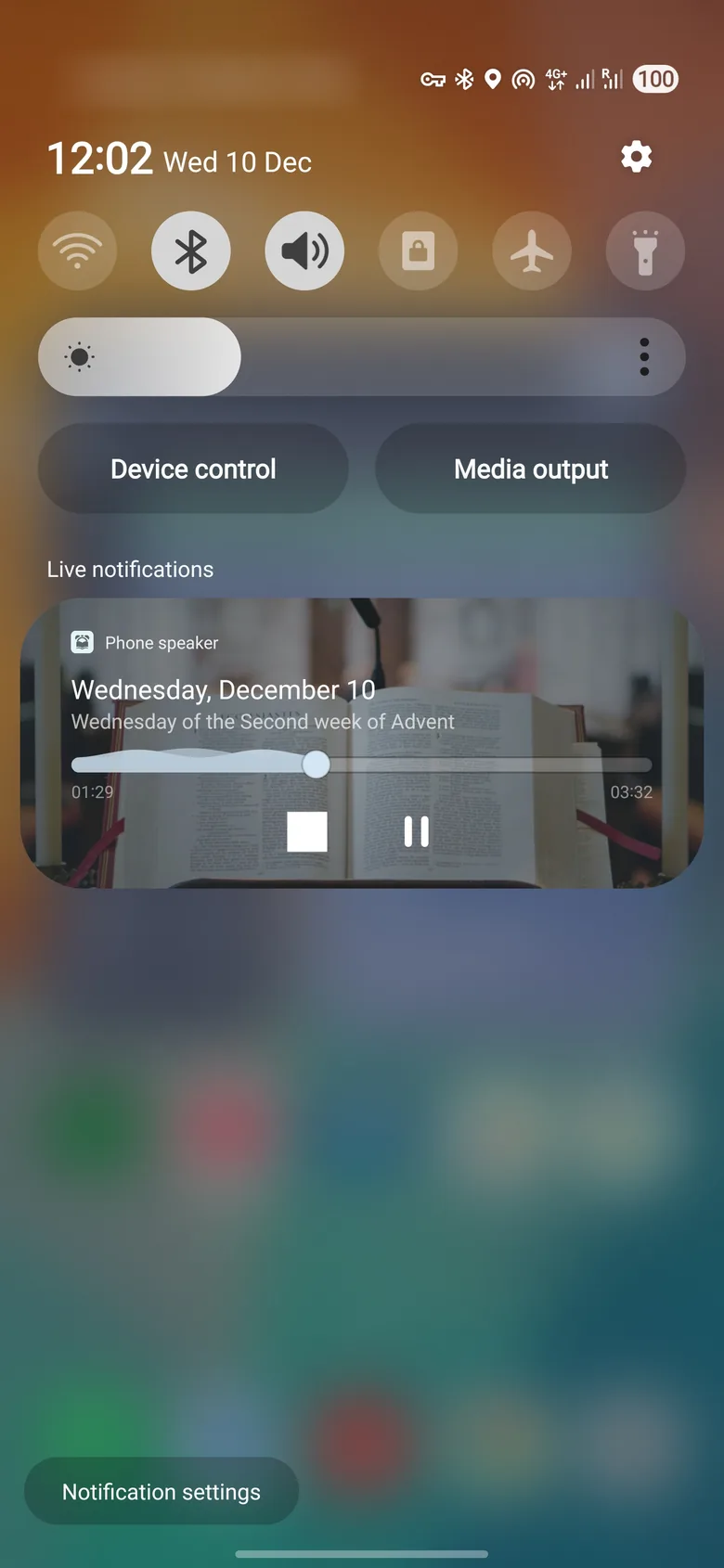
Playback that survives a locked screen. The reading keeps playing in the background, with pause and stop controls on the lock screen and in the notification shade. It pauses when a call or another app interrupts it, then resumes.
Four languages. The interface, the readings and the voices come in English, French, Italian and Spanish.
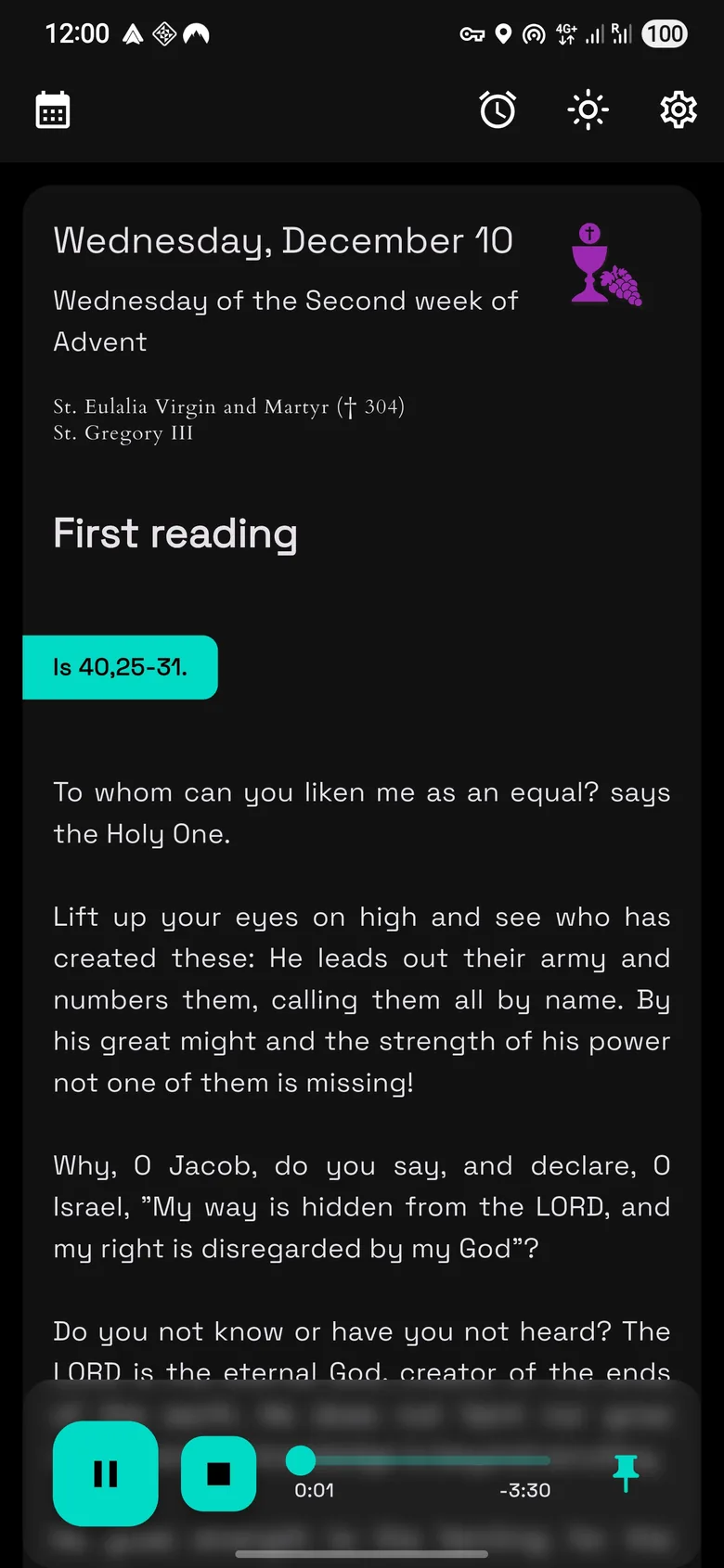
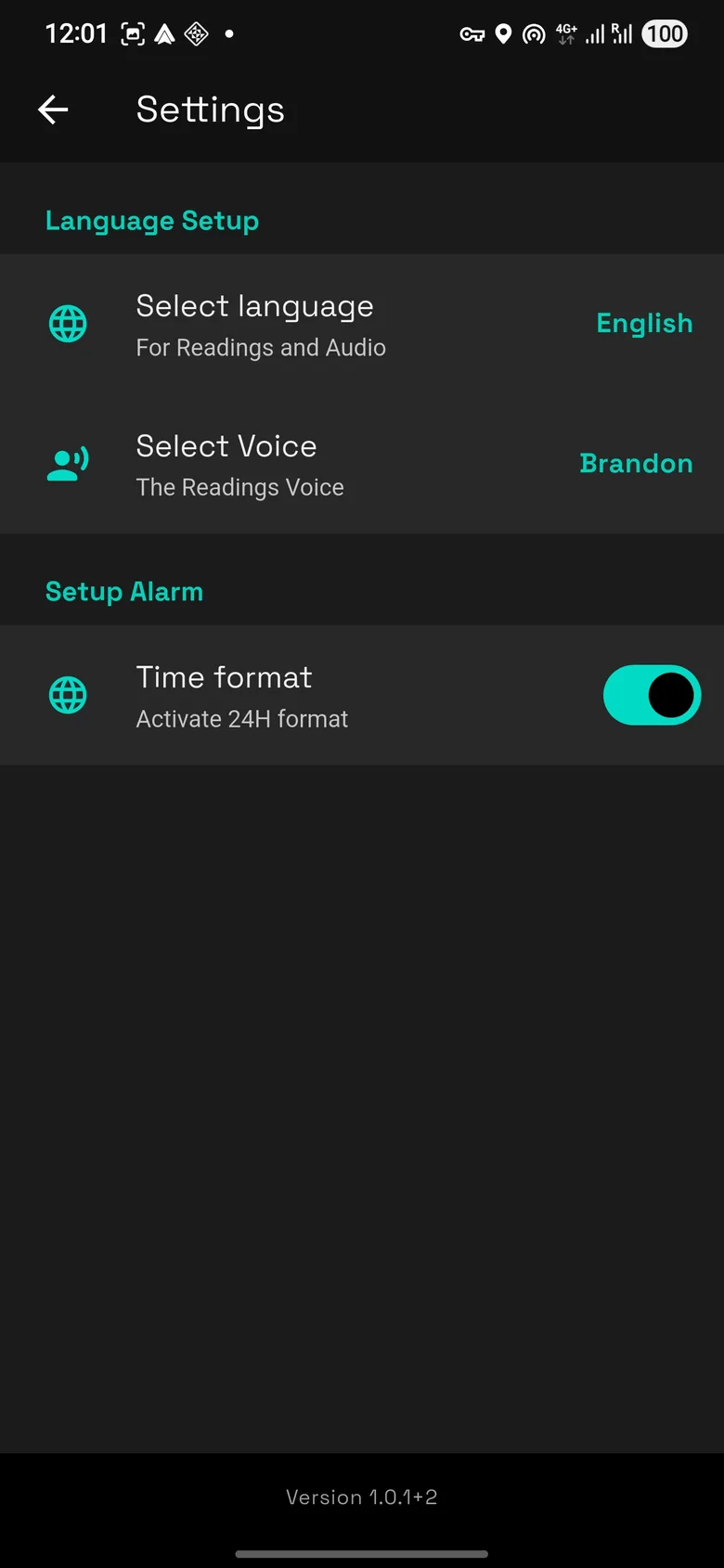
Light or dark, 12 or 24 hours. The app has a light and a dark theme, and shows the time in either format. It runs on iOS and Android, and a desktop version is planned.
The architecture
The code is layered. Two API clients fetch the readings and the speech. Repositories above them handle readings, audio, alarms and storage. Riverpod providers and notifiers hold the state that the screens watch.
- State: Riverpod, with generated providers.
- Network: Dio. Responses are cached on the device, and a request that fails falls back to the cached answer.
- Speech as a stream: the speech service sends the audio in chunks with Server-Sent Events. The app collects the chunks, reports progress to the screen and hands the finished audio to the player.
- Playback: just_audio plays the audio. audio_service exposes it to the system, which gives the lock-screen and notification controls. audio_session sets the audio session up for speech and reports interruptions.
- Alarms: an open-source alarm plugin, kept as a copy inside the repository, schedules and rings the alarms. A small plugin written for the app, system_ringtones, lists the ringtones of the device.
- Storage: alarms, settings and imported ringtones are kept on the device.
- Translations: easy_localization, with generated keys.
- Monitoring: Firebase Crashlytics records errors and Firebase Analytics records usage events.
- Ads and consent: the app shows ads. On iOS it asks for App Tracking Transparency before it gathers consent with Google's User Messaging Platform.